Dogfooding Cryo
5 min read
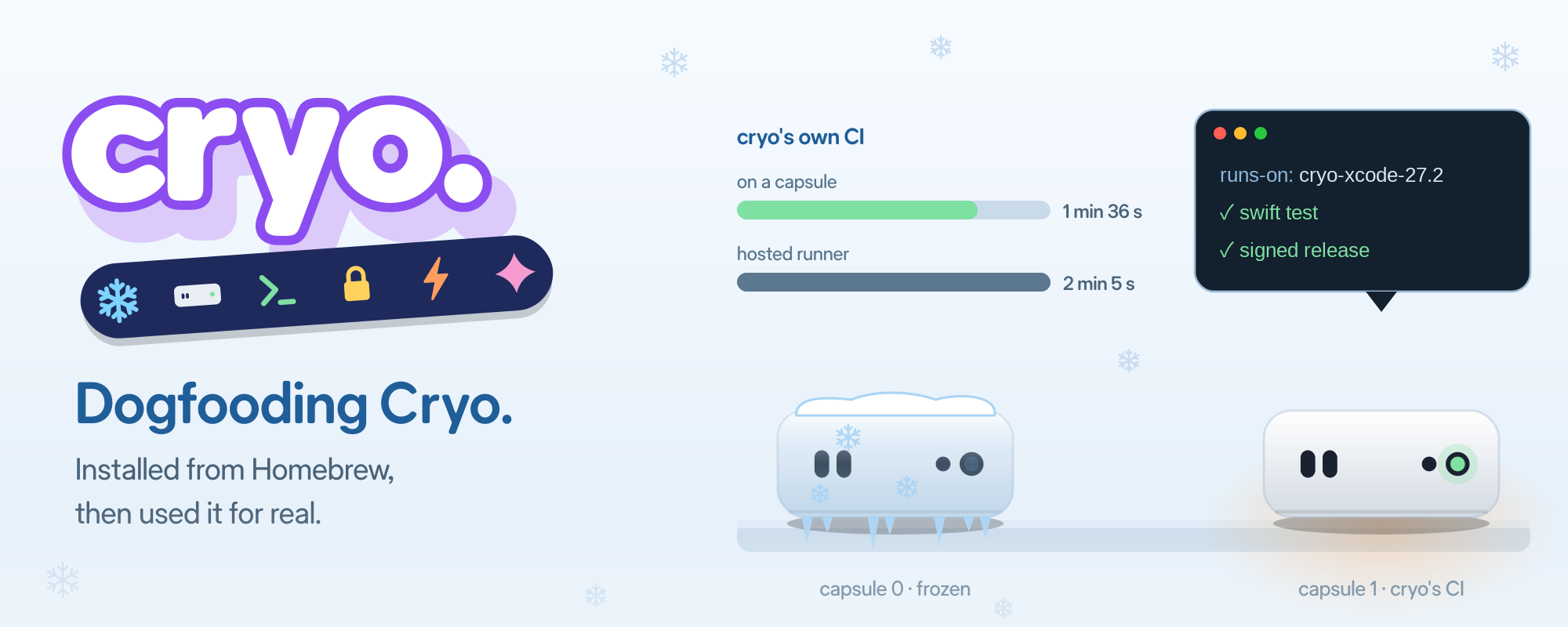
When I launched Cryo, the bay on my Mac was one I had built from source during the spike. That proves the code works. It does not prove the release works.
So two days after launch I threw away my local build and installed Cryo the way anyone else would: from Homebrew, with the README open. Then I pointed my coding agent and my iOS app’s CI at it and used it for real.
From Homebrew, over the old bay
brew install rizwankce/tap/cryo
cryo bay install
The install kept my config.toml and the golden image I already had, found the firewall helper up to date (no sudo prompt), pointed the LaunchAgent at the Homebrew binary and restarted the bay. The bay was ready in about 24 seconds. The first lease took 227 ms, and SSH showed macOS 27.2 with Xcode 27.2.
One surprise came before any of that: Homebrew now refuses taps you have not trusted, so brew trust rizwankce/tap comes first.
cryo doctor failed five checks on my laptop: not enough free disk, sleep on, automatic updates on, no auto-login, FileVault on. That is correct. A laptop is not a good bay host, and doctor says so. ignore_doctor = true lets the bay run anyway, which is what I want for testing.
The agent did not use it
Setting up the agent was one line each:
cryo setup --yes
claude mcp add --scope user cryo -- cryo mcp
The MCP server connected and a lease over plain ssh cryo-L925 took 397 ms. Everything worked, but my agent still ran xcodebuild on my laptop instead of in a capsule.
Two reasons. The Homebrew bottle did not ship the agent skill at all. And the skill’s description told agents to use Cryo only on Linux, or when the host “must stay clean”. An agent on a Mac with Xcode read that and decided it did not need a VM.
That was my own wording, from when I thought of Cryo as “a Mac for agents that do not have one”. Now I think a Mac agent should reach for a capsule by default, for builds, tests, untrusted code and anything that touches global state. Both are fixed: the skill now says that (cryo#4), and the formula installs it (cryo#5, homebrew-tap#2).
CI: every job failed
Next, cryo-ci for my iOS app:
brew install rizwankce/tap/cryo-ci
cryo-ci install --repo <owner>/<app>
Every job failed with zsh: command not found: cryo.
cryo-ci looks for cryo next to its own binary. Under Homebrew that is Cellar/cryo-ci/0.1.0/bin, and cryo is not there. launchd’s PATH does not include /opt/homebrew/bin either. So every Homebrew install would hit this, and it never showed up for me before because my source build kept both binaries in one folder.
The fix finds cryo the Homebrew way and fails at startup with a clear error if it cannot (cryo-ci#2). After brew upgrade, the log says using /opt/homebrew/opt/cryo/bin/cryo.
There was a second, quieter problem. My image had been retagged, so cryo-ci offered the label cryo-xcode-test while my workflow asks for cryo-xcode-27.2. The job would have sat in the queue forever with no error. I passed the labels by hand for now. Image tags and runner labels need a better story, and that one is still open.
With both out of the way, the rerun passed: 2 min 29 s for checkout, build, Simulator boot and the app’s unit tests, the same as before launch. Leases in the CI path took 2.5–3.4 s, most of it attaching the project’s cache disk.
Releases had to be boring
Fixing bugs means shipping releases, so the release flow got its first real use the same day. A tag push now runs the tests, builds a tarball, attests it and creates the GitHub release (cryo#6). A small script in the tap verifies the attestation and opens the formula bump. No stored tokens.
The first run found its own bugs: a linter that did not know a new permission, the tap’s style check reading my scripts folder, a log line too long for lint. All small, all fixed, and 0.1.2 went out. The day ended at 0.2.0.
Cryo tests itself on Cryo
The last step felt like the real test. Cryo’s own CI now has a job that runs on my bay (cryo#8): runs-on: cryo-xcode-27.2, only on pushes to main so fork PRs never reach my Mac. Hosted macOS runners still gate merges.
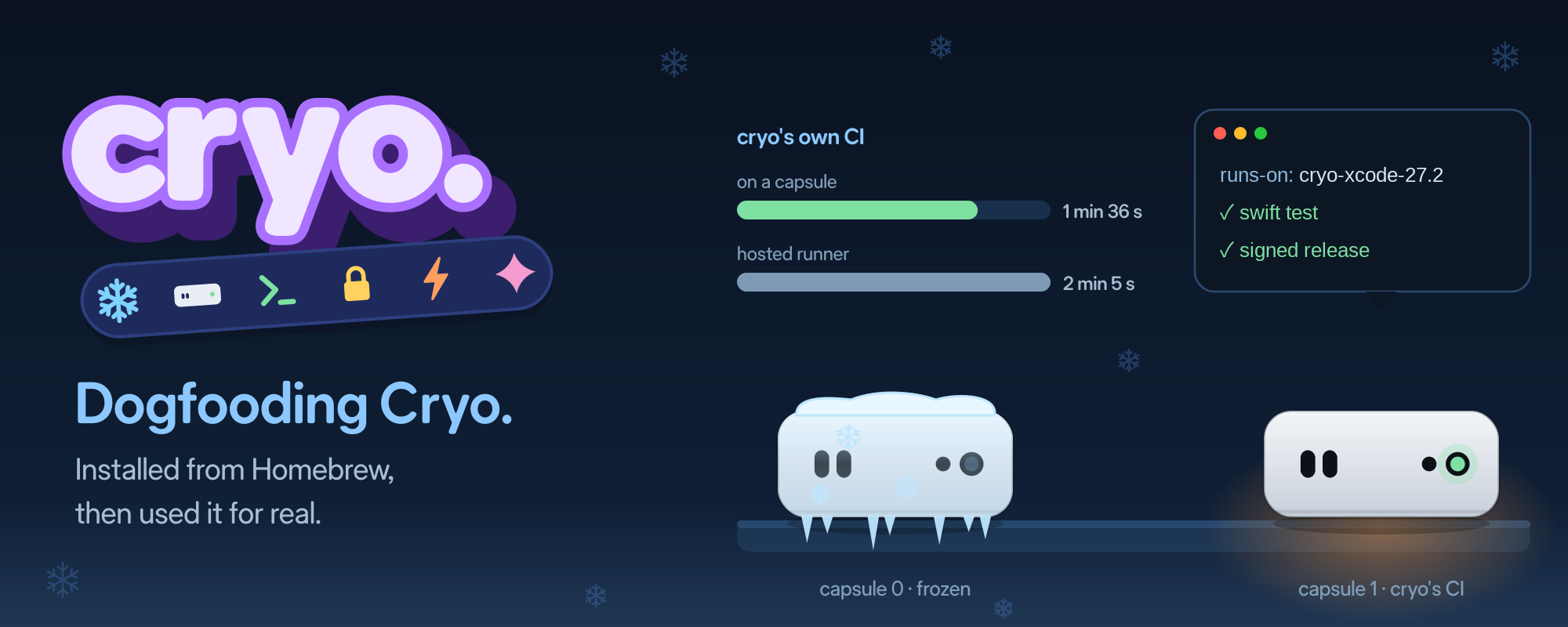
First run: 1 min 36 s on a capsule, against 2 min 5 s on a hosted runner, for the same swift test and signed release build.
The same afternoon also showed something I don’t like. On a laptop that had been sleeping and swapping, the bay failed every refill for a few hours until I restarted it. A restart fixed it, but the bay should recover on its own. That is open.
What dogfooding found
| Problem | Found by | Status |
|---|---|---|
| Agent skill missing from the bottle | Agent setup | Fixed |
| Skill told Mac agents not to use Cryo | Agent setup | Fixed |
cryo-ci could not find cryo under Homebrew |
First CI job | Fixed |
| Image tag and runner label drifted apart | First CI job | Worked around |
| Release workflow and tap lint | First release | Fixed |
| Bay stuck after a sleepy afternoon | Running CI on it | Open |
None of these showed up in unit tests or in my source build. All of them would have hit the first person who tried Cryo. Installing your own release like a stranger is the cheapest test there is.
The code is at github.com/rizwankce/cryo. If you install it and something breaks, tell me. I probably broke it the same way.