What happens in a Cryo lease
5 min read
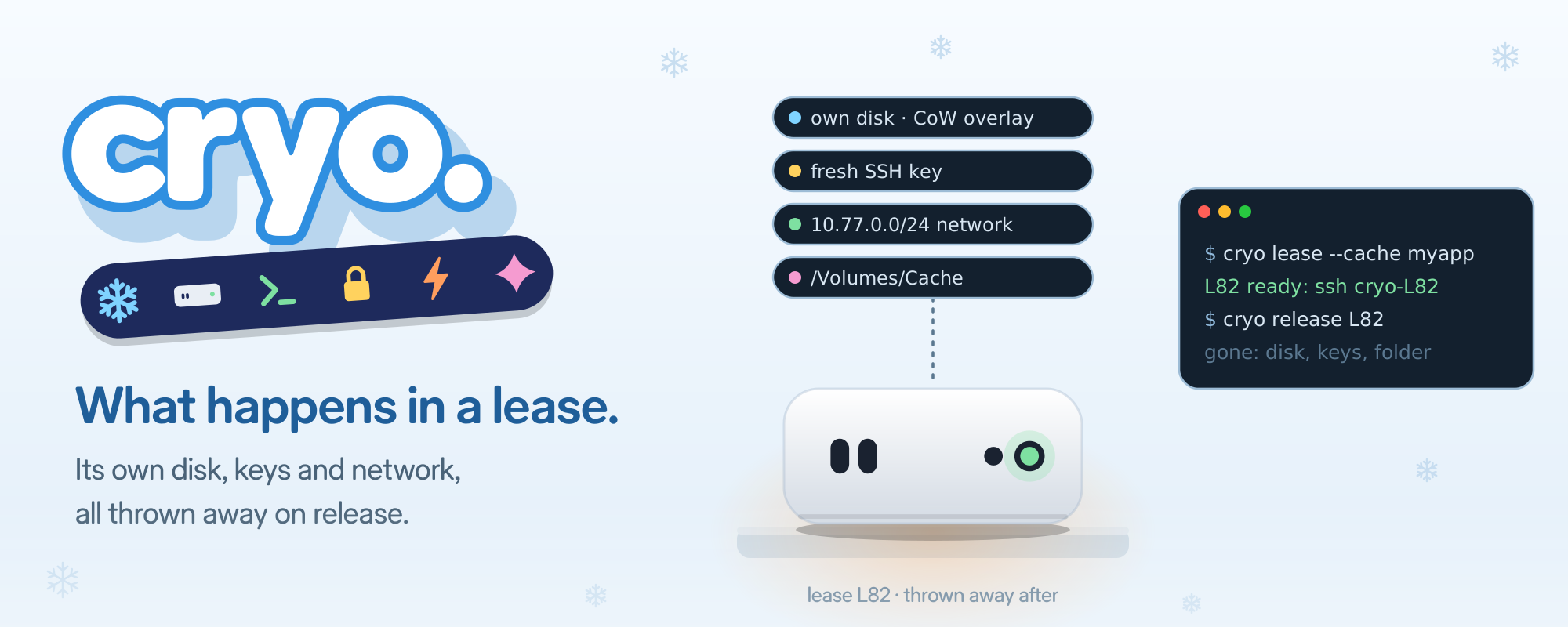
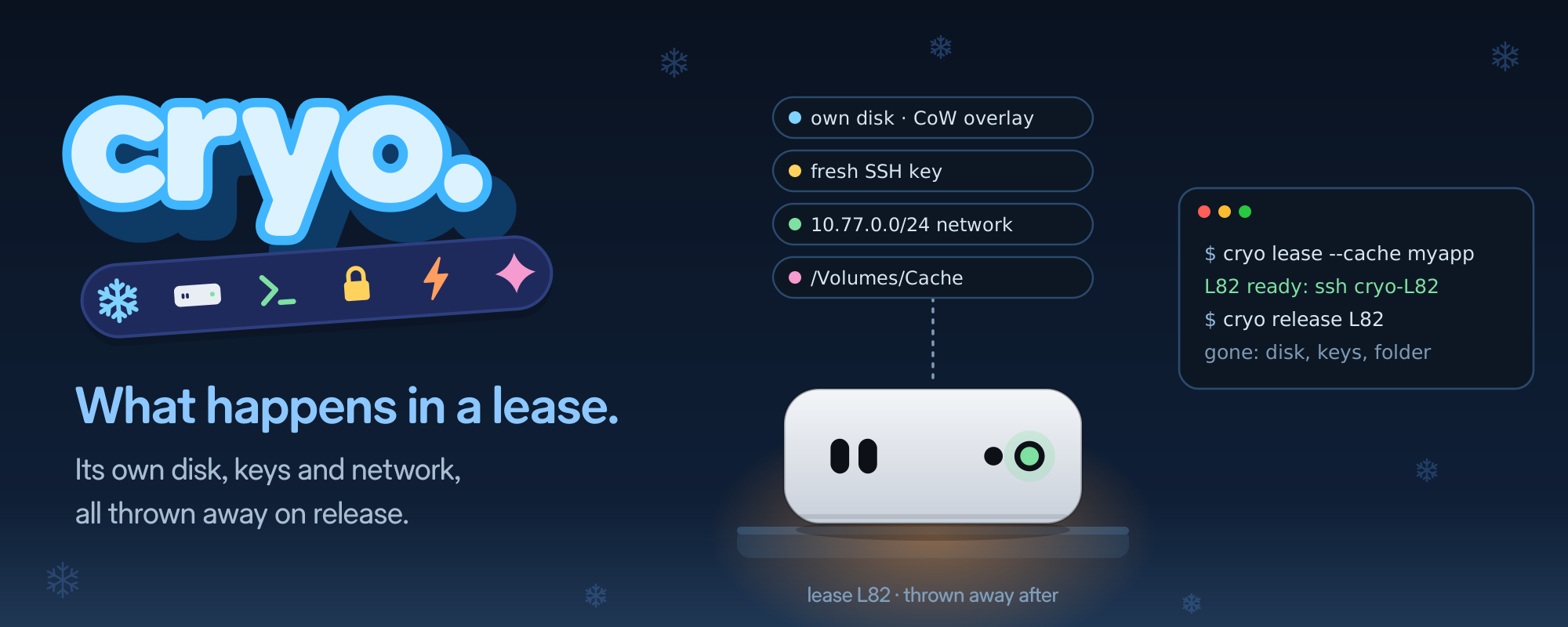
In the Cryo launch post I wrote “one Mac per task, thrown away after.” This post follows one lease from start to end, to show what that means.
cryo lease --folder ./MyApp --cache myapp    # L82 ready: ssh cryo-L82
ssh cryo-L82 'cd "/Volumes/My Shared Files" && swift test'
cryo release L82 --save-cache
Before you ask
A capsule is one VM slot on a Mac. Before anyone asks for it, the bay has already done most of the work:
- It restored the capsule from its saved state and resumed it.
- It gave it a new SSH host key and the hostname
cryo-L82, the id of the next lease. - It installed a fresh login key that only that lease will get.
- It logged in three times to warm SSH up, then paused it.
So the lease id, hostname and keys exist before the lease does. That is why the lease itself is fast.
The disk: three layers
Every capsule runs on a stack of disks:
 golden image (read-only, shared by both capsules)
   └─ freeze layer (this capsule's saved state, per capsule)
        └─ lease overlay (new for every lease, copy-on-write)
The lease overlay is a new, empty copy-on-write disk image. It costs about 0 bytes and ~20 ms to create. Everything the lease writes goes there. Nothing reaches the layers below.
Keys and SSH
On your side, cryo lease writes the lease’s private key and its pinned host key into ~/.cryo, plus a Host cryo-L82 block in Cryo’s own SSH config. ssh cryo-L82 then just works.
The key only opens that one lease. The host key is new, so an old lease’s known_hosts entry never matches a new one. Cryo’s SSH config also skips your agent and your ~/.ssh/config, which saved ~165 ms per connection on my Mac.
The network
Each capsule has its own virtual network: capsule 0 on 10.77.0.0/24, capsule 1 on 10.77.1.0/24. A firewall keeps it off the host, the LAN and the other capsule. It reaches DNS and the internet, nothing else.
Agents never see the VM’s IP. They go through cryo ssh, which connects through the bay.
The folder
--folder puts a folder from your Mac into the lease. The bay makes an APFS clone of it, so your copy is never touched, and swaps it into the VM’s shared folder. The guest sees it at:
/Volumes/My Shared FilesThe swap itself takes 0 ms. The guest sees the new folder about 143 ms later. Binaries and scripts in the folder run fine from there.
Two rules came out of testing:
- One swap per lease. Swapping a second folder in the same VM made some binaries fail with “operation not permitted” on their first run.
- Ship trees as one archive. Copying a folder full of symlinks out of the share failed, and once took the guest’s network down with it. A single tarball, unpacked onto the VM disk, took 2 s.
The cache disk
--cache myapp attaches a disk for build caches: DerivedData, packages, anything you want to survive between leases. It is an APFS clone of ~/.cryo/caches/myapp.asif, plugged into the VM as a USB disk, and mounted at /Volumes/Cache.
Mounting a USB disk in the guest takes about 1.3–1.4 s, so a lease with an existing cache takes 1.6–1.8 s instead of 135–198 ms. A new cache is a 64 GB sparse image created on the spot, which brings it to ~2.5 s.
release --save-cache keeps what the lease wrote. Without it, the cache goes back to how it was.
How long it lives
A lease is kept alive by activity: a renew call or an open cryo ssh session. If it goes idle, the bay takes it back. That is 5 minutes for agents over MCP, 60 minutes by default for the CLI (--idle), and never more than 24 hours. An open SSH session never expires in the middle of work.
Release
release ─▶ stop the VM ─▶ detach USB ─▶ save cache? ─▶ delete leases/L82/ ─▶ refill
           0.25–0.77 s                                                       7.5–11.4 s
The bay stops the VM from the host. It never asks the guest to shut down, so a stuck guest can’t hold things up. Then it deletes the lease folder, the overlay, the clone and the keys. Nothing from L82 is left.
Right after, the capsule refills: restore, new keys, new hostname for the next id, warm-up logins, pause. About 10 s later a clean Mac is waiting again.
What it does not do yet
- No pause or fork. You can’t pause a lease with Xcode open and come back later, or fork a warm one into two.
- The folder is set once. It is swapped in before you get the lease and never changed while it runs.
- Back-to-back leases wait for a refill. With both capsules busy, the next one waits for a release plus ~10 s.
The full lifecycle is in the capsule spec and the CLI spec. The code is at github.com/rizwankce/cryo.